Open the mockup editor →Free · no sign-up · no watermark · nothing uploaded
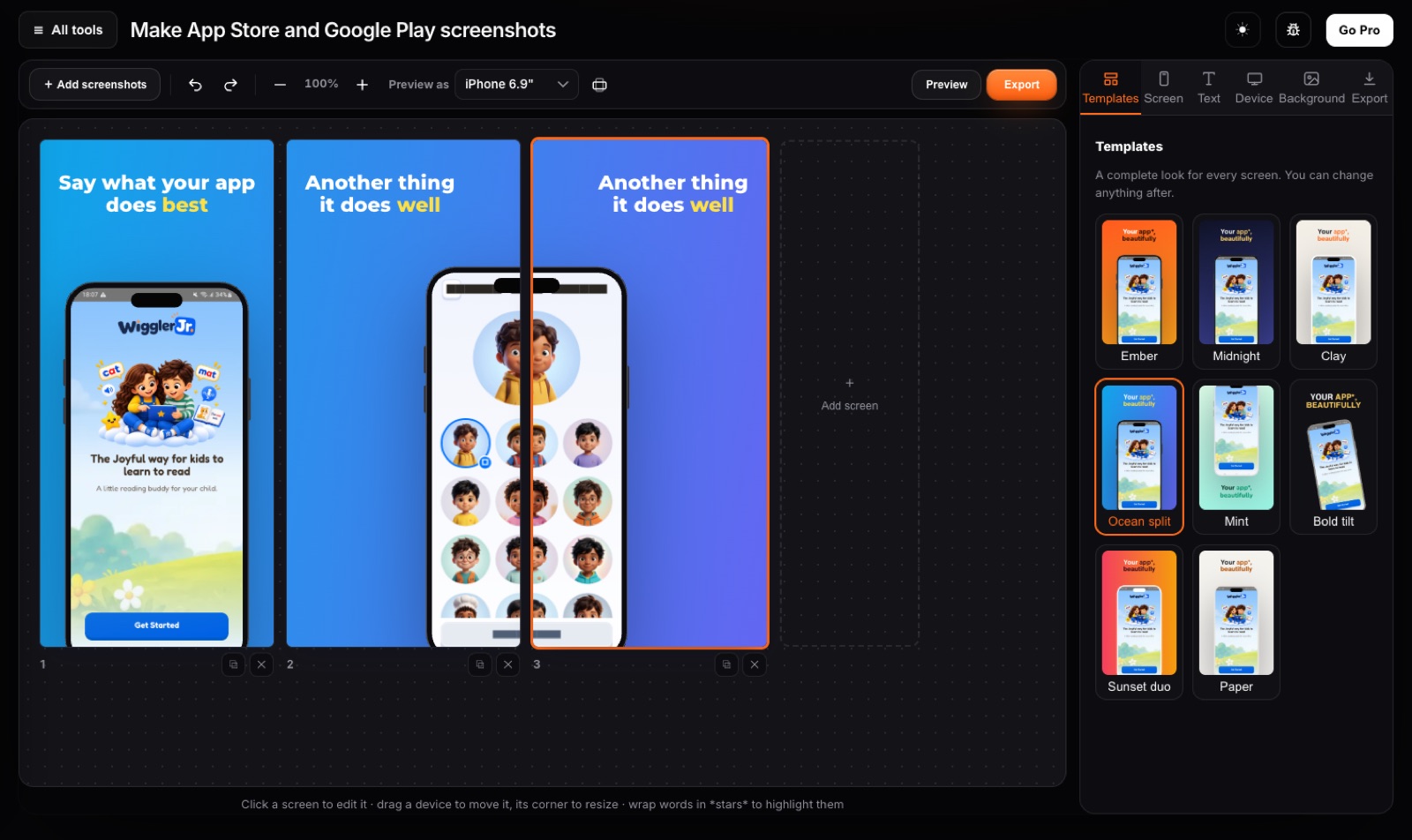
Everything you need
7 devices, 3 frame stylesPhone with island or notch, Android, tablet, laptop, browser window or no frame, in real, clay or outline style.
BackgroundsColour, gradient or your own picture with blur and dim, as one panorama across the whole set.
20 templatesComplete looks to start from, shown with your own screenshots. Change any colour, font or layout after, and save your own themes.
PrivateScreenshots of an app that is not out yet never leave your computer.
How to put a screenshot in an iPhone frame
- Drop a screenshot into the editor.
- Pick the device and its style, then the background. Add a headline if you want one, or leave it clean.
- Save the size you need as a PNG or JPG.
Private by design
Never uploadedIt runs on your computer. Safe for IDs, contracts and family photos.
No sign-up, no watermarkOpen the tool and go. Free for everyday use.
Fast, even on slow internetNo upload queue. Your own computer does the work.
Questions
Which devices are there?
iPhone with Dynamic Island or notch, Android phone, tablet, laptop and a browser window, each in real, clay or outline style. Or no frame at all.
Can I use it for social posts?
Yes. Save it at the store sizes, or open the result in the photo editor to crop it for a post.
Is there a watermark?
No, never, on Free or Pro.
Are my screenshots uploaded?
No. Everything is drawn on your own computer.
Related tools
Ready?
Open the mockup editor →Free · no sign-up · no watermark · nothing uploaded