100 prompts.
One click.
Boltly runs your list of prompts in Google Flow one by one, waits for each result, and saves every image and video in order.
Coming soon to Chrome Web StoreFree · No sign-in · No account
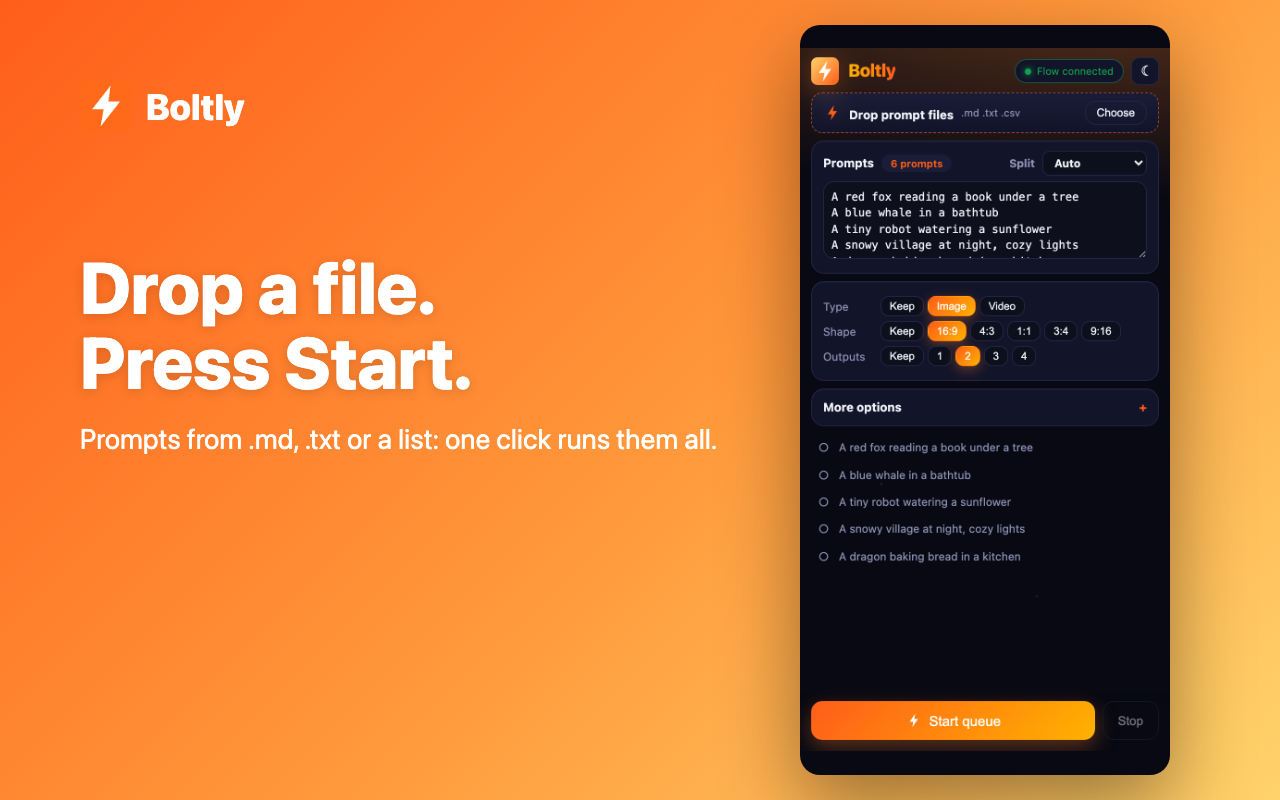
Drop a file
.md, .txt or .csv, several at once. Markdown prompt files are read smartly.
Hands-free
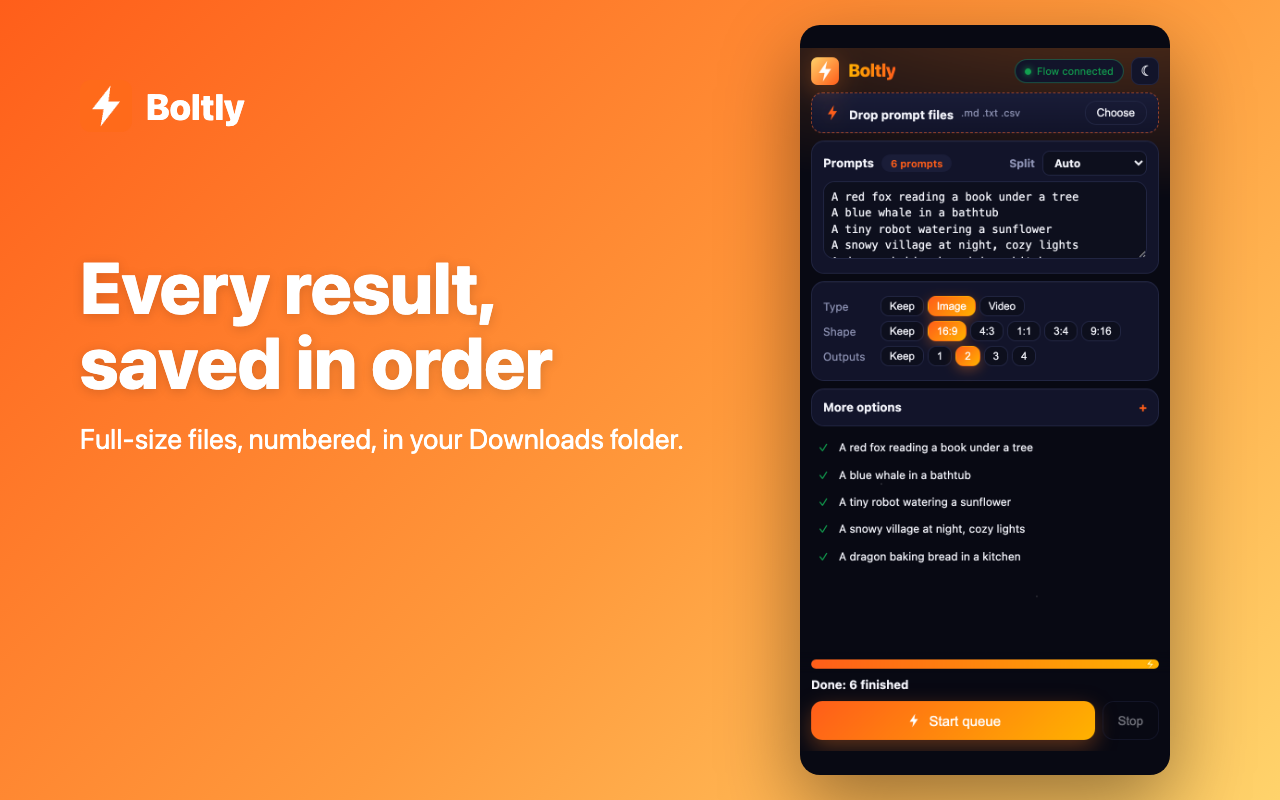
Submits each prompt, waits for the result, then moves on.
Full-size auto-save
Numbered files in a named Downloads folder. Stop and resume any time.
Your Flow settings
Image or video, shape, and 1 to 4 outputs, set once for the whole queue.
References attached
Character sheets and covers go onto later prompts automatically.
Private
Prompts stay in your browser. Only an anonymous usage count is sent.
How it works
- Open a project in Google Flow.
- Click the Boltly icon to open the side panel.
- Drop a prompt file, or paste your prompts.
- Press Start and let it run.
See it
Privacy policy: Boltly for Flow · Need help? Support
What should we build next?
Suggest a feature for Boltly for Flow and vote for ideas from other people. No sign-in.